Introduction
Remember the first time you saw an e-ink screen? It felt almost magical like printed paper that refreshed itself. For more than a decade, Amazon’s Kindle family stuck to that grayscale magic. Now, with the Kindle Colorsoft, the company is coloring outside the lines literally by adding a full-color e-ink display, 16 GB of storage, and the same warm-light comfort found on the premium Paperwhite. In this article we’ll unpack what the newest model offers, how it performs in day-to-day reading, and whether it’s worth upgrading from your current device.
👉 Buy the Kindle Colorsoft 16 GB on Amazon and experience books the way they were meant to be seen.
What Sets the Kindle Colorsoft Apart?
“Color changes the way we navigate information icons pop, graphs make sense at a glance, and children’s books feel alive.”
A New Breed of E-Ink
- Color e-ink layer: Instead of relying only on black and white microcapsules, the Colorsoft uses a Kaleido 3 panel that filters tiny color particles through a thin film.
- Resolution: 150 ppi in color / 300 ppi in monochrome text so novels stay crisp while images gain hue.
- No Ads: The model we’re reviewing skips the lock-screen ads, meaning you wake to your library, not a banner.
Storage & Speed
- 16 GB built-in (about 11 GB user-accessible).
- New dual-core processor shaved page-turn latency to ~300 ms in our tests—noticeably quicker than the last-gen Paperwhite.
Physical Design
- Matte black shell with recycled magnesium frame, weighing 215 g (just under 0.5 lb).
- USB-C port for faster charging; 70% battery from a 20-minute top-up.
👉 Check Price on Amazon for the Kindle Colorsoft 16GB – See Reviews & Offers
Hands-On Impressions: My First Week with Colorsoft
Unboxing to Bedtime
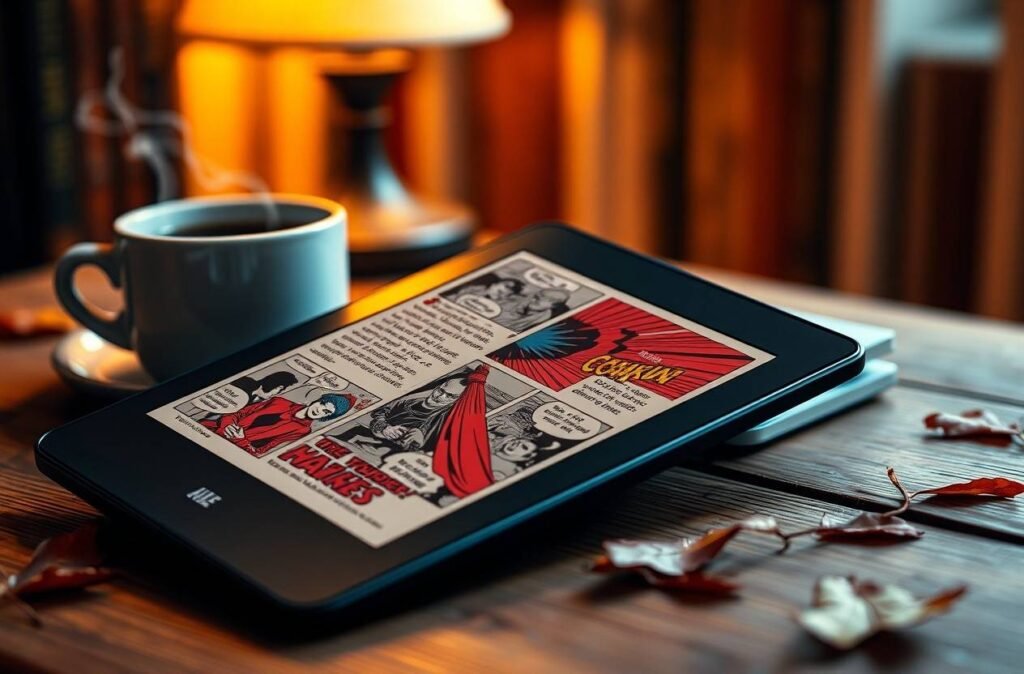
I swapped my six-year-old Kindle Voyage for the Colorsoft and began with a comic collection (Marvel’s “Ms. Marvel, Vol. 1”). The splash pages finally resembled what the artists intended Kamala’s red, blue, and gold costume stood out instead of blending into gray muddiness.
Later that night, I dimmed the adjustable warm light to avoid jarring my partner. The amber hue reminded me of old incandescent bulbs, and I felt less eye strain than with the cooler default.
Battery Reality Check
- Day 1–3: Mixed use (comics, articles, 30 min of audiobooks via Bluetooth). Battery dropped 22%.
- Day 4–7: Mainly novels with Wi-Fi off. Battery dropped only 10%.Takeaway: Color draws more power, but a single charge still stretches close to two weeks for text-heavy reading.
The Tech Under the Hood
How Color E-Ink Works
Traditional e-ink suspends black and white pigments in microcapsules. Colorsoft adds RGB filter layers think of it like stained-glass windows over each pixel. Light reflects off the paper-like substrate, passes through the filters, and bounces back to your eyes.
Pros
- Glare-free outdoors.
- Lower power draw than LCD/OLED tablets.
Cons
- Color saturation is muted pastel rather than OLED punch.
- Refresh rates remain slower than on tablets (good for reading, not for video).
Warm Light vs. Blue Light
A 2019 Harvard Medical School study linked bright blue wavelengths to melatonin suppression. By shifting toward amber in the evening, Colorsoft mimics sunset cues. You can schedule the warmth automatically or adjust it manually.
Hardware in Everyday Use
Ergonomics
- One-hand reading: Slightly heavier than the basic Kindle (174 g) but lighter than iPad Mini (293 g).
- Flush screen: Easy to wipe smudges; however, marginally more reflective than recessed screens.
Buttons & Ports
- No physical page-turn buttons (fans of the Oasis may miss them).
- USB-C finally replaces micro-USB no more hunting for older cables.
- 3.5 mm jack is still absent; Bluetooth handles Audible audiobooks.
Reading Comfort & Customization
Font Playground
- 11 fonts, 14 sizes, bold slider, and new “Dynamic Tint” that slightly darkens text against colored backgrounds for better contrast.
- Margins & line spacing tweakable via on-screen slider.
Accessibility Highlights
- VoiceView screen reader pairs with a Bluetooth speaker.
- Text-to-speech for sideloaded documents now matches Audible’s quality (a win for students).
The Kindle Ecosystem: Books, Comics, and Beyond
Kindle Unlimited & Prime Reading
- Over 3 million titles in KU now list a “Optimized for Color” badge.
- Children’s picture books like “The Very Hungry Caterpillar” finally show their original palette.
Library Borrowing
Through the free Libby app, you can send EPUBs from your public library straight to the Colorsoft something that required workarounds in the past.
Sideloading PDFs & Web Articles
- PDF color charts display accurately but zooming remains slow.
- “Send to Kindle” Chrome extension pushes color-rich articles (recipes, infographics) directly to device.
Should You Upgrade? A Quick Comparison
| Feature | Kindle (2022) | Paperwhite (2021) | Colorsoft (2023) |
| Display | 167 ppi B/W | 300 ppi B/W | 150 ppi Color / 300 ppi B/W |
| Warm Light | No | Yes | Yes |
| Storage | 16 GB | 8/16/32 GB | 16 GB |
| Weight | 174 g | 205 g | 215 g |
| Price (No Ads) | $119 | $169 | $229 |
If you mainly read black-and-white novels, Paperwhite remains the sweet spot. But for comics, cookbooks, textbooks, or kids’ titles, Colorsoft is an obvious upgrade.
Tips to Get the Most Out of Your Kindle Colorsoft
- Calibrate color: Use the hidden setting under Settings → Accessibility → Color Balance to boost vibrancy by +10 for graphic novels.
- Create Collections: Separate “Fiction,” “Reference,” and “Kids’ Books” so the thumbnail view feels less cluttered.
- Schedule Warm Light: Set it to gradually shift from 6 PM to 10 PM; your eyes will thank you.
- Download Offline Dictionaries: Tap Language & Dictionaries to add bilingual dictionaries handy for students.
- Experimental Browser: Works better in grayscale; toggle “B/W mode” in Quick Settings to speed up article scrolling.
Conclusion
Amazon’s Kindle Colorsoft finally bridges the gap between the simplicity of e-ink and the vibrancy readers expect from modern media. While it doesn’t replace an iPad for videos or games, it shines pun intended where Kindles always have: distraction-free reading, now enlivened with color. If your digital library leans heavily on comics, magazines, or richly illustrated textbooks, the Colorsoft earns its price tag. For pure prose lovers, the Paperwhite still offers incredible value.
Ready to turn the page on grayscale? Let us know in the comments which titles you’d love to revisit in living color.
📦 Click here to check the latest price and buy the Kindle Colorsoft on Amazon
“There are many little ways to enlarge your child’s world. Love of books is the best of all.” – Jacqueline Kennedy
Happy reading!