
Let’s be brutally honest for a second. We all love WhatsApp, but for years, its been missing a few painfully obvious features.
Ever had to hand out your personal phone number to a complete stranger just to buy something on a local marketplace? Or forced to carry two physical phones around because you didn’t want your office chats bleeding into your weekend?
Yeah, same.
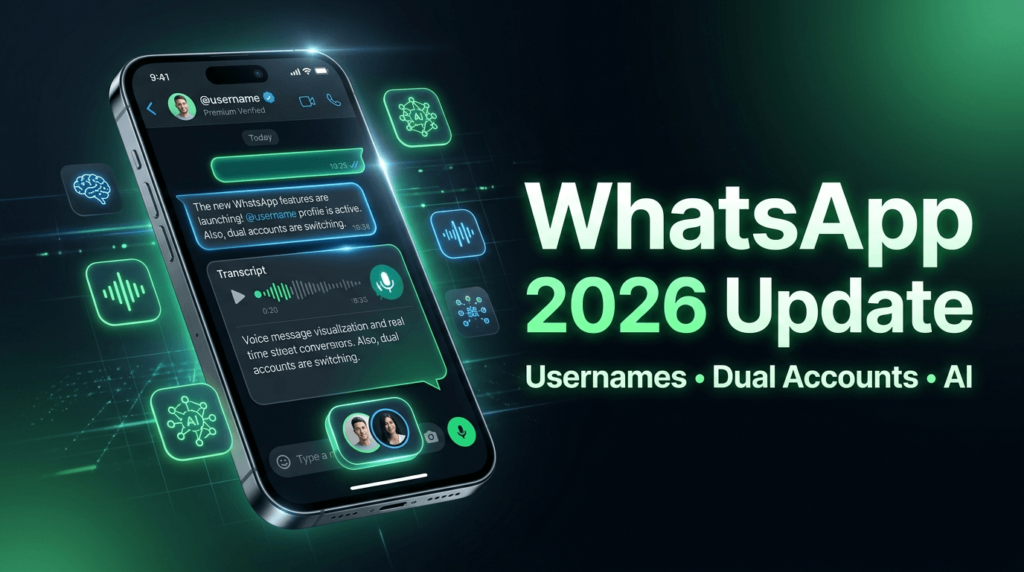
But it seems Meta finally got the memo. The latest 2026 WhatsApp update is rolling out globally right now, and it is quietly changing how we use the app forever. From finally ditching phone numbers to reading your voice notes like text messages, this update is a massive win for privacy and convenience.
Here is a complete breakdown of the new WhatsApp features, why they matter, and exactly how you can activate them on your phone today.
The Big 3: What’s Actually New in WhatsApp?
Let’s skip the boring backend security patches and get straight to the tools that will actually make your daily routine easier.
1. WhatsApp Usernames: Your Number is Finally Private
This is the feature we’ve been waiting a decade for.
Until now, the only way to connect with someone on WhatsApp was to hand over your actual phone number. That’s a massive privacy risk, especially if you are networking online, joining massive community groups, or just talking to a local business.
With the new WhatsApp Usernames feature, you can claim a unique handle (like @yourname). People can now search for you and message you without ever seeing your private digits.
The takeaway: Ultimate privacy. You can finally join public group chats or network safely without doxxing your personal contact info.
2. Multiple Accounts on One App (The End of Dual Phones)
If you run a business, manage client projects, or just like keeping your work and personal life strictly separated, you know the struggle. You either had to download sketchy third-party “clone” apps or carry two phones like it’s 2015.
Not anymore. WhatsApp now natively supports Multiple Account Login. You can seamlessly toggle between two completely separate WhatsApp accounts within the exact same app on a single device.
The takeaway: Your notifications, settings, and chat histories stay completely isolated. It’s clean, fast, and long overdue.
3. Voice Message Transcripts (No More Guessing)
We all have that one friend or client who sends a five-minute voice note while you’re sitting in a quiet office or riding a noisy train. You can’t listen to it, but you’re dying to know what they said.
Enter Voice Message Transcripts. WhatsApp will now automatically transcribe incoming audio messages into text directly on your screen. And because the transcription happens locally on your device, neither WhatsApp nor anyone else can read or hear your private data.
The takeaway: You can finally “read” your voice notes when listening out loud isn’t an option.
So, these features sound amazing. But there is a slight catch.
They aren’t just magically appearing for everyone all at once. Meta is rolling these updates out in phases. If you want to jump the line and get your hands on these tools before the general public, you need to know where to look.
How to Avail and Activate the New Features Today
Want to claim your username before someone else takes it? Here is exactly what you need to do to unlock these features on your device.
Step 1: Force a Manual App Update
This sounds basic, but auto-updates are notoriously slow. Go to the Apple App Store or Google Play Store, search for WhatsApp, and manually hit Update. You need to be running the latest mid-2026 build to see these options.
Step 2: Claim Your Username
Once updated, open WhatsApp and head to your settings menu.
- Tap on your Profile.
- Look for the new Username section right below your name and number.
- Type in your desired handle. If it’s available, lock it in immediately. (Treat this like an Instagram handle the simple, professional ones will vanish fast).
Step 3: Add Your Second Account
Ready to ditch that heavy backup phone?
- Go to Settings.
- Tap the small arrow next to your name and profile picture.
- Select Add Account.
- Follow the prompts to verify your second SIM or eSIM number. Once verified, you can switch between accounts with a single tap from the main menu.
Step 4: Turn on Transcripts
To save yourself from endless audio rambling:
- Go to Settings > Chats.
- Toggle on Voice Message Transcripts.
- Select your preferred language. The next time a voice note lands in your chat, just long-press the bubble and hit “Transcribe.”
Final Thoughts
For years, WhatsApp felt a bit stuck in its ways while other messaging platforms pulled ahead with modern privacy tools. The 2026 update directly fixes the biggest pain points users have complained about for the last decade.
If you haven’t updated your app yet, take two minutes to do it now. At the very least, get in there and reserve your username before someone else steals your personal brand.